Reviews / The best budget smart trainers in 2026: comparison, Zwift Cog and complete setup
The best budget smart trainers in 2026: comparison, Zwift Cog and complete setup
A practical guide to choosing a direct-drive smart trainer: six budget models compared, the difference between a cassette and Zwift Cog, app compatibility, subscription costs and the accessories that matter.
Video (YouTube Shorts)
Verdict
The Van Rysel D500 remains the main recommendation for value for money, while the Wahoo KICKR CORE 2 is the safer choice for connectivity and long-term use. The D100 is tempting only for beginners and moderate efforts; the Elite Rivo and JetBlack Victory are very competitive alternatives if you can find them easily in Romania. If you want maximum freedom between apps, choose a cassette. Zwift Cog is simpler and quieter, but virtual shifting is supported natively mainly by Zwift and ROUVY.
Gallery
The quick recommendation
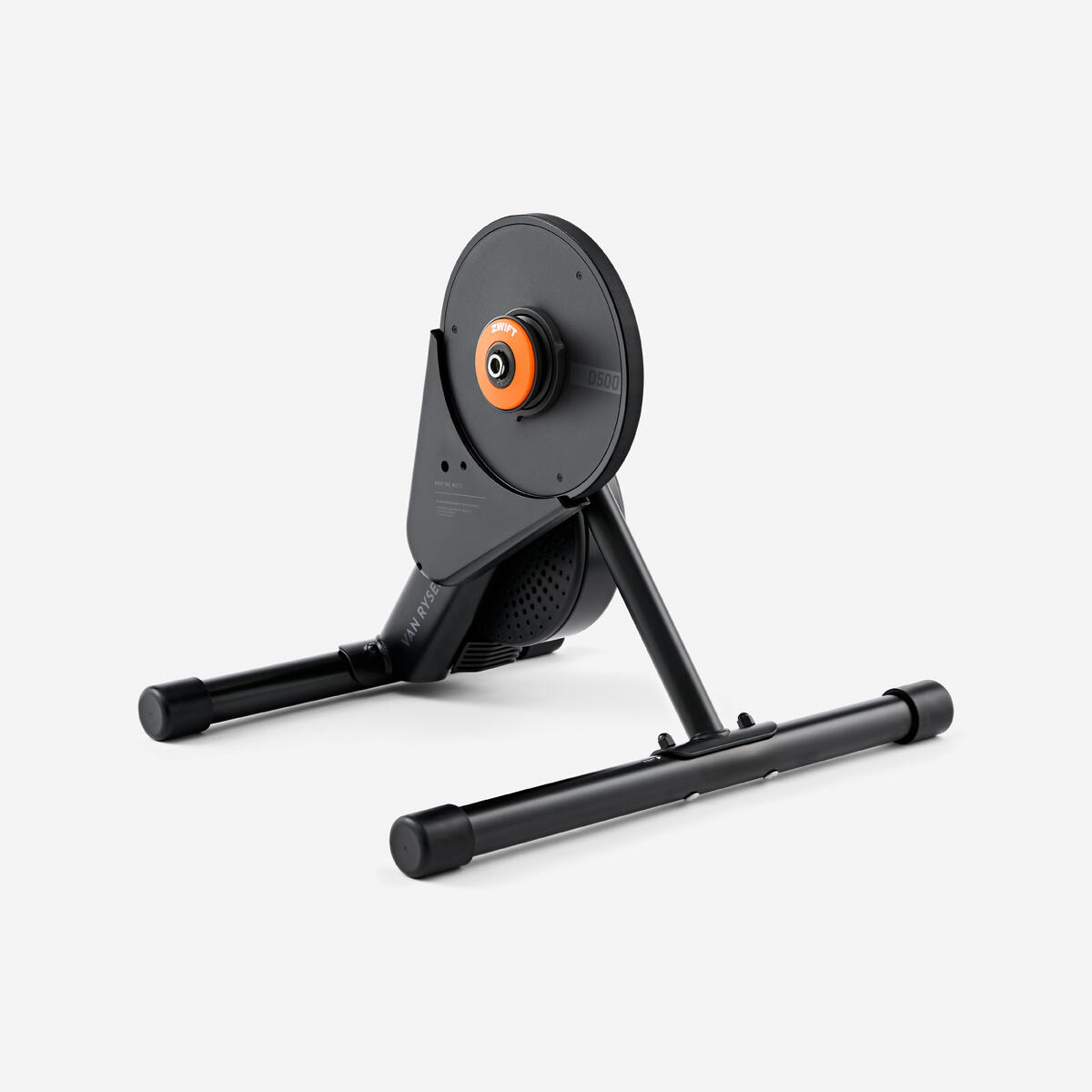
Best value for money: Van Rysel D500. At around €374 it offers 1,500 W, a 15% gradient, a claimed accuracy of ±2.5% and Zwift Cog & Click included.
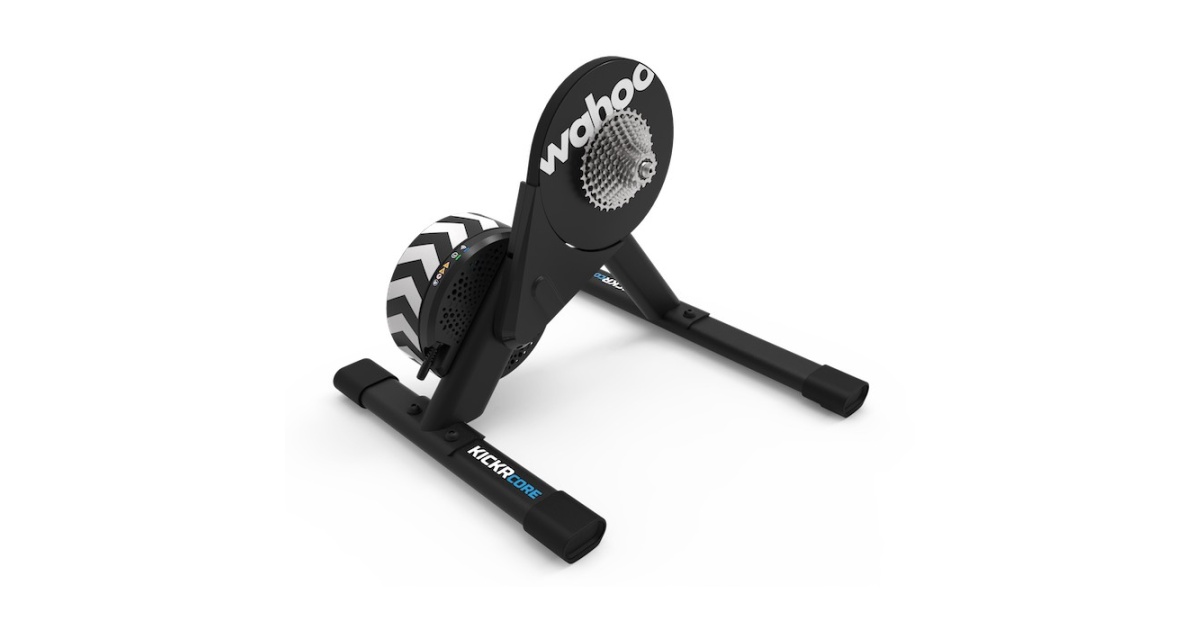
The most complete choice under roughly €598: Wahoo KICKR CORE 2. You get 1,800 W, 16%, ±2% accuracy, Wi-Fi, Bluetooth and ANT+, plus a mature ecosystem.
The cheapest direct-drive: Van Rysel D100. It is good for beginners, but the 600 W limit, 6% gradient, ±5% accuracy and lack of cadence make it less suitable for sprints, races and long-term progress.
Budget smart trainer comparison
| Model | Guide price | Power / gradient | Accuracy | Drivetrain | Verdict |
|---|---|---|---|---|---|
| Van Rysel D100 | ≈ €262 | 600 W / 6% | ±5% | Cog & Click; optional cassette | Only for getting started and moderate efforts |
| Van Rysel D500 | ≈ €374 | 1,500 W / 15% | ±2.5% | Cog & Click included | Best value |
| Elite Rivo | approx. €421–467 | 2,000 W / 18% | ±2.5% | Cog & Click or cassette | Very good, compact, with Wi-Fi |
| JetBlack Victory | approx. €450 | 1,800 W / 16% | ±2% | Cog & Click included | Excellent specs; check delivery |
| Wahoo KICKR CORE 2 | approx. €550 | 1,800 W / 16% | ±2% | Cog & Click or cassette | The most complete choice |
| Garmin Tacx FLUX S | approx. €486 | 1,500 W / 10% | under ±3% | Cassette | Solid, but an older platform |
Prices are those displayed, or ranges observed during research. For a fair comparison, check whether the bundle includes the Cog, Click or a cassette; a cassette bought separately can add ≈ €28–75.
How we chose the models and why some cheap options are missing
We compared direct-drive smart trainers that control resistance automatically and are officially available in Europe or Romania. We left wheel-on models out of the main comparison: they can cost less, but they are noisier, wear out the tyre and usually have an inferior feel and accuracy.
We also left out models that are hard to buy or service locally, even if they look attractive on marketplaces. On a trainer costing ≈ €374–561, firmware, adapters, warranty and access to spare parts matter – not just the maximum power on the spec sheet.
Cassette vs Zwift Cog: the key difference
A classic cassette has several physical sprockets. You shift with the bike’s levers, the chain moves between sprockets and the app only controls the trainer’s resistance. The major advantage is universal compatibility: Zwift, MyWhoosh, ROUVY, TrainingPeaks Virtual, Wahoo SYSTM and almost any other app. The downsides are drivetrain compatibility, derailleur adjustment, noise and wear.
Zwift Cog is a single sprocket, positioned so that it works with most 8–13-speed bikes. The chain stays put, and Zwift Click sends shift commands to the app; the app changes the resistance electronically and simulates the gear ratios. Setup is simpler, swapping bikes is quick and the drivetrain is quiet.
The important limitation: physically, the Cog has a single gear. If the app does not recognise the Click or does not offer its own virtual shifting, you cannot change gear as you would with a cassette. ERG mode remains usable for structured workouts, because the app holds the target power automatically, but in free rides or on routes you will be stuck in one gear. In 2026, Zwift and ROUVY offer native support for Cog & Click; MyWhoosh does not document native Click support, and BikeControl/CogShift-type solutions are third-party, not an official guarantee.
A Tribro alternative for indoor training
If you want ERG workouts, freestyle rides and games without a separate subscription, try Tribro Home Trainer. The desktop app connects to your smart trainer via Bluetooth, runs on macOS and Windows and can send your activity to Strava.
Indoor apps: compatibility and prices
| App | Verified price | Cog & Click | Best for |
|---|---|---|---|
| Zwift | approx. €20/month or ≈ €200/year; Plus approx. €30/month or ≈ €300/year | Yes, native | Community, racing, gamification and workouts |
| MyWhoosh | Core access is free; optional premium features and local pricing may vary | Not documented as native; ERG works, Click needs third-party solutions | The best subscription-free option for workouts and events |
| ROUVY | Single approx. €20/month or ≈ €180/year; Duo approx. €30/month; Group approx. €60/month | Yes, native from version 4.5.5 | Real video routes and race preparation |
| TrainingPeaks Virtual | Included in Premium: approx. €18/month or ≈ €122/year | Click is not supported natively; the app has its own virtual gearing | Planning, analysis, racing and coach integration |
| Wahoo SYSTM | Pro approx. €18/month or ≈ €180/year | Click is not needed in ERG and is not a native controller | Structured workouts, plans and video content |
Prices verified on 30 October 2026. Taxes, the App Store and currency conversion can change the final amount. Zwift and ROUVY have separate subscriptions even though they are part of the same group.
D500 vs KICKR CORE 2: the final choice
The D500 is enough for most cyclists: 1,500 W exceeds many amateurs’ sprint power, 15% covers serious routes, and the accuracy difference compared with the CORE 2 is small for everyday training. At around €374 it leaves budget for a fan, a mat and frame protection.
The KICKR CORE 2 is worth the extra if you race virtually, want Wi-Fi for a more robust connection, use several apps or prefer the Wahoo ecosystem. The cassette version is the most flexible across apps; the Cog & Click version is the simplest for Zwift and ROUVY.
The four recommended accessories
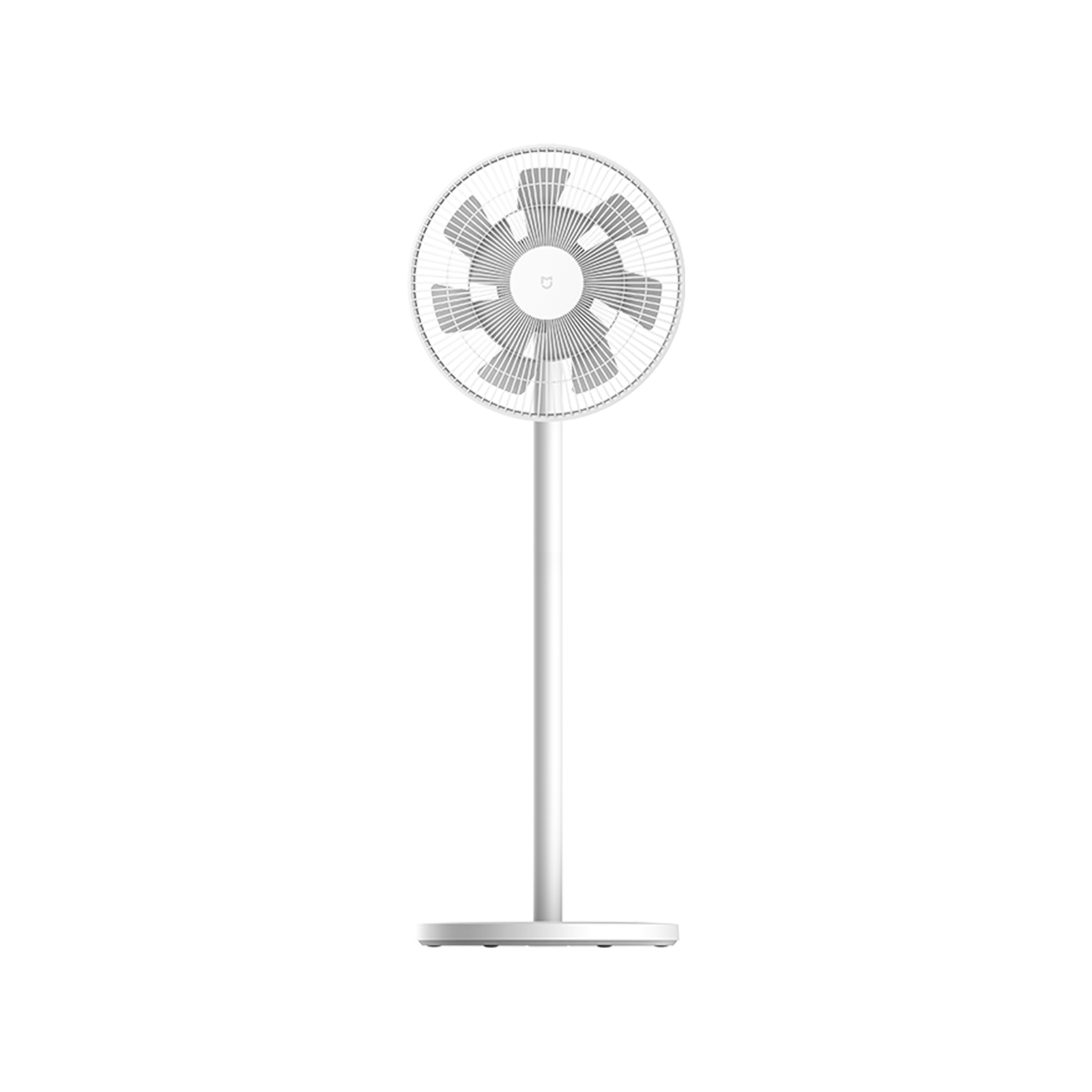
1. Mi Smart Standing Fan 2 — cooling directly affects power and comfort; indoors you do not get the airflow you have when riding outside.
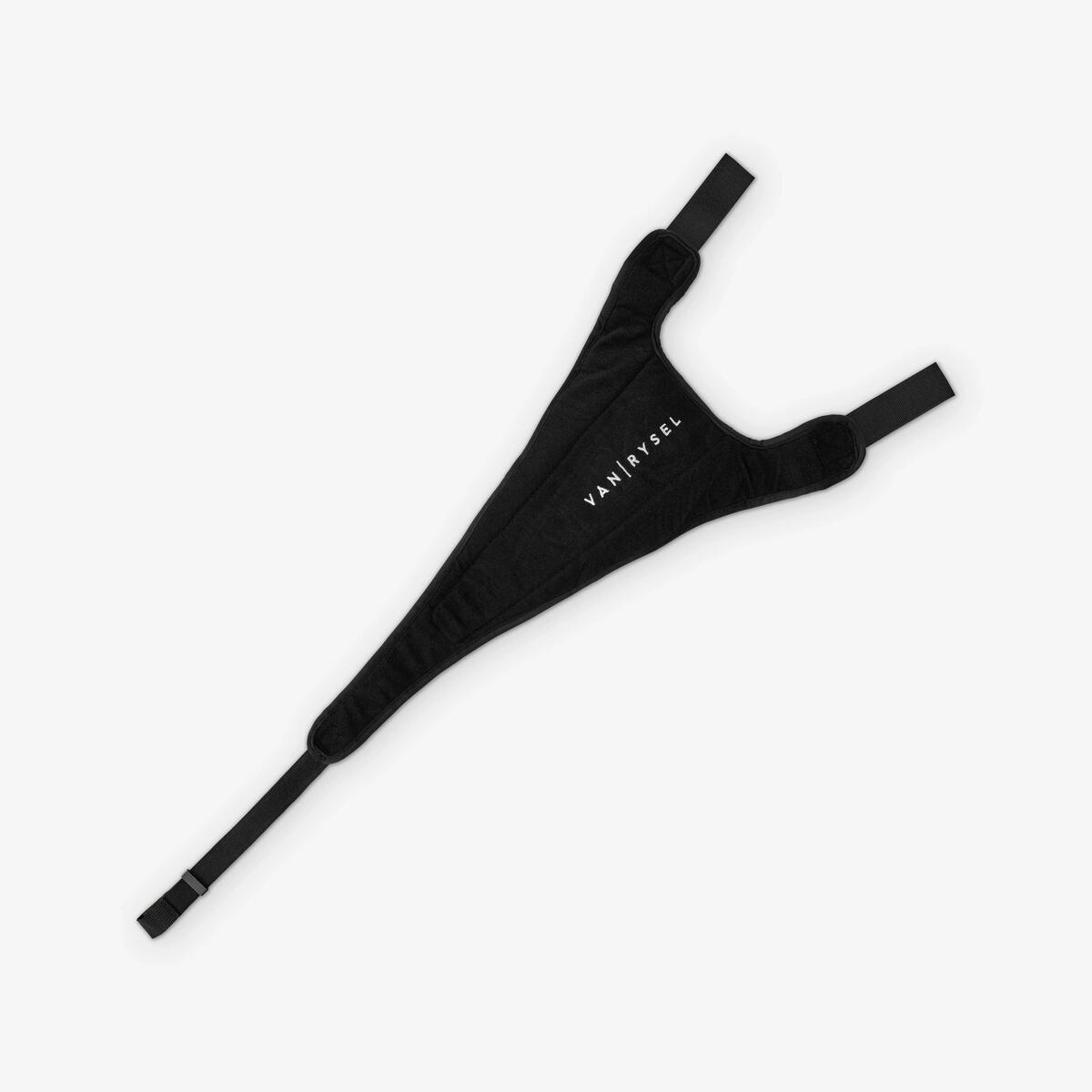
2. Van Rysel Home Trainer Sweat Protector — limits contact between corrosive sweat and the frame and cockpit.
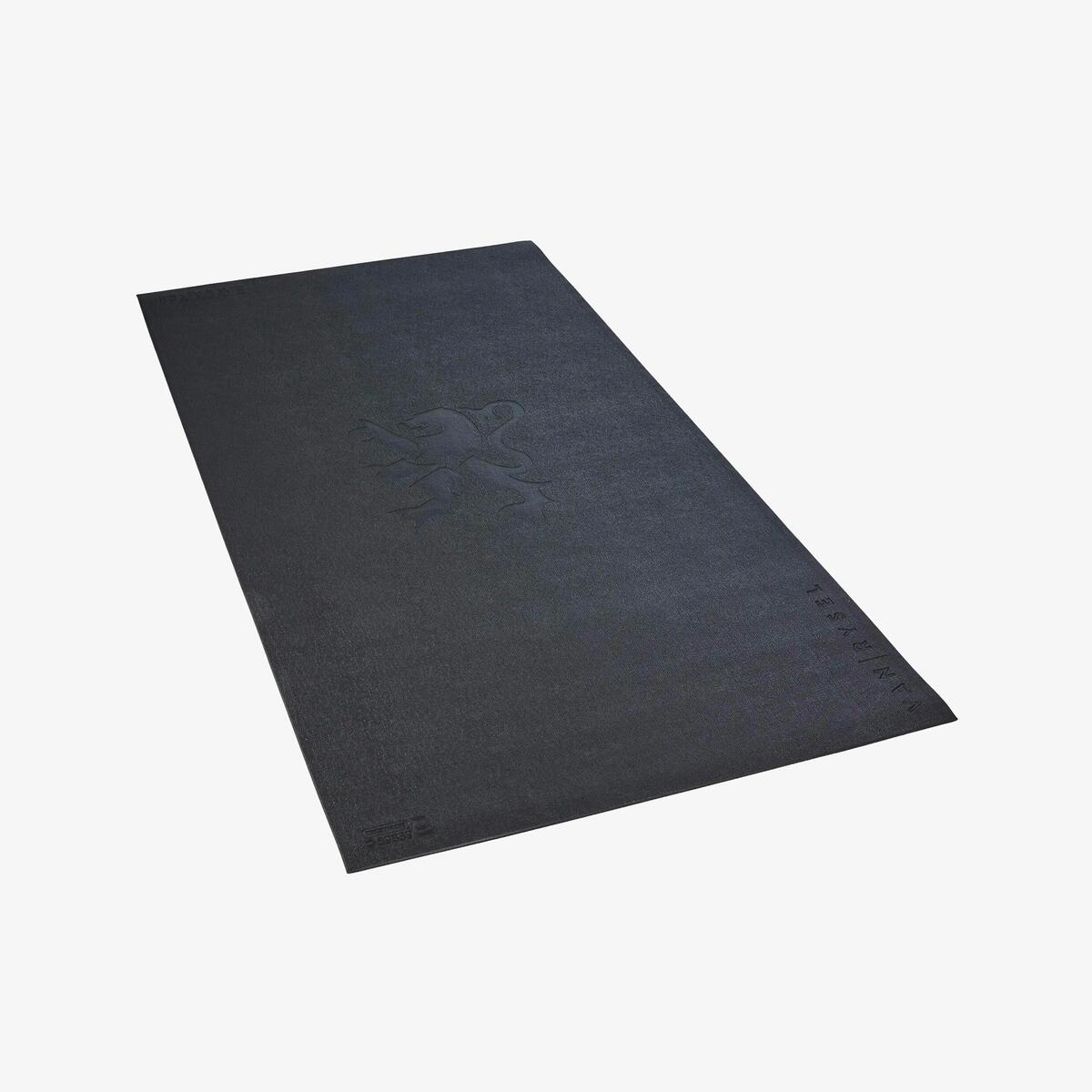
3. Van Rysel Home Trainer Mat — protects the floor and dampens some of the vibration.
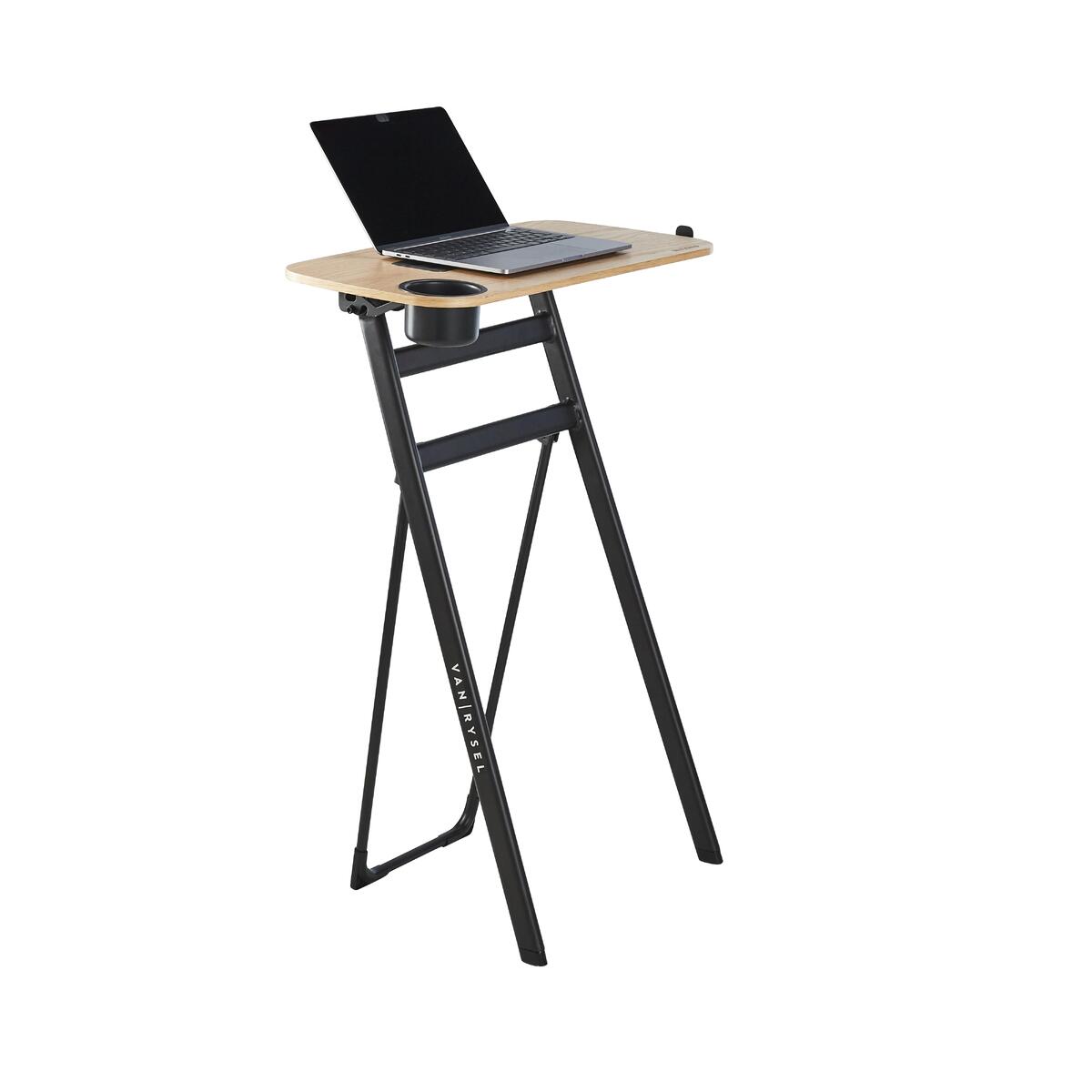
4. Van Rysel Home Trainer Desk — keeps your laptop, phone, towel and drinks within reach; it is useful, but can be the last thing you buy.
A complete setup for under €654
The D500, mat, sweat protector and desk add up to around €475 at verified prices, leaving roughly €179 for a fan and keeping the setup under €654. If your budget is tighter, the right order is: trainer → fan → sweat protector → mat → desk.
Do not skimp on cooling: a good fan lets you hold the same power with a more controlled heart rate and body temperature. The desk is comfort; the fan is training equipment.
Check compatibility before ordering
Check your bike’s axle, rear frame spacing, included adapters and chain type. For a cassette you need to check the number of speeds and the freehub body: Shimano/SRAM HG, SRAM XD/XDR, Micro Spline or Campagnolo. For the Cog, check the exact list of Zwift Ready/Cog Compatible trainers and the firmware version.
Virtual shifting usually requires Bluetooth or Wi-Fi; connecting the trainer via ANT+ does not enable virtual shifting in Zwift. Also check the device the app runs on, especially the Bluetooth connection limit on Apple TV.
Frequently asked questions
Is the D100 enough?
Yes for endurance rides and your first sessions, but 600 W, 6% and ±5% become limitations for sprints, races and climbs.
Does Zwift Cog work with MyWhoosh?
The trainer can transmit power and be controlled in ERG, but MyWhoosh does not document native support for Zwift Click. Without a third-party bridge, you do not get normal virtual shifting in free rides.
Does Zwift Cog work with ROUVY?
Yes. ROUVY officially supports the Cog, Click and virtual shifting from version 4.5.5.
Cassette or Cog for several apps?
A cassette, if you want compatibility without compromise. The Cog, if your priority is simple setup and you mainly use Zwift or ROUVY.
Which accessory should I buy first?
The fan. It has the biggest impact on the quality of your training.
Specifications, compatibility and subscriptions were checked on 30 October 2026 on the official manufacturer and service pages, and local prices on product pages available in Romania. Prices, promotions and software compatibility may change.